The best of the Internet. Dedicated to the most funny, interesting, and cool stuff on the Internet today.
-
funnyinterestingcool

- Posts: 578
- Joined: Tue Jul 09, 2019 11:54 pm
-
Contact:
Post
by funnyinterestingcool » Tue Jun 16, 2026 2:07 pm
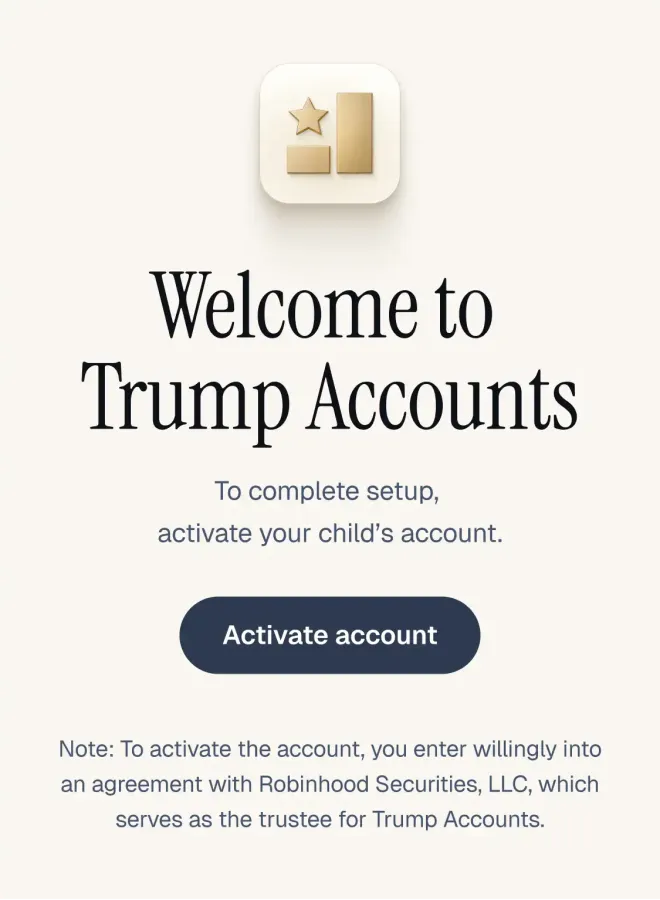
Welcome to Trump Accounts To complete setup, activate your child's account. Activate account Note: To activate the account, you enter willingly into an agreement with Robinhood Securities, LLC, which serves as the trustee for Trump Accounts.
We processed your election to open a Trump Account for your child. It only takes a few minutes to activate and only needs to be done once, even if you have more than one eligible child. How to activate
1. Open the Trump Accounts app or download from Apple or Google, or visit trumpaccount.com
2. Sign in or create your account
3. Verify your information and your child's details 4. Review and accept the account terms and conditions to activate the account*
Once activated, you'll be able to:
• Monitor the status of your child's $1,000 pilot program contribution from the U.S. Department of the Treasury, if eligible
• Make contributions starting July 4, 2026
• Explore educational resources and track the potential growth of your child's Trump Account If you have questions, visit our FAQ. Please note all future updates about your child's Trump Account will be sent from trumpaccount.com.
Be aware that phone support scams may direct you to call a fake Trump Accounts customer service number. To protect your information, legitimate Trump Accounts call center support is available via in-app chat or on the phone at 1-866-USA-4547. Don't use other phone numbers found through internet search engine results. - The Trump Accounts Team